
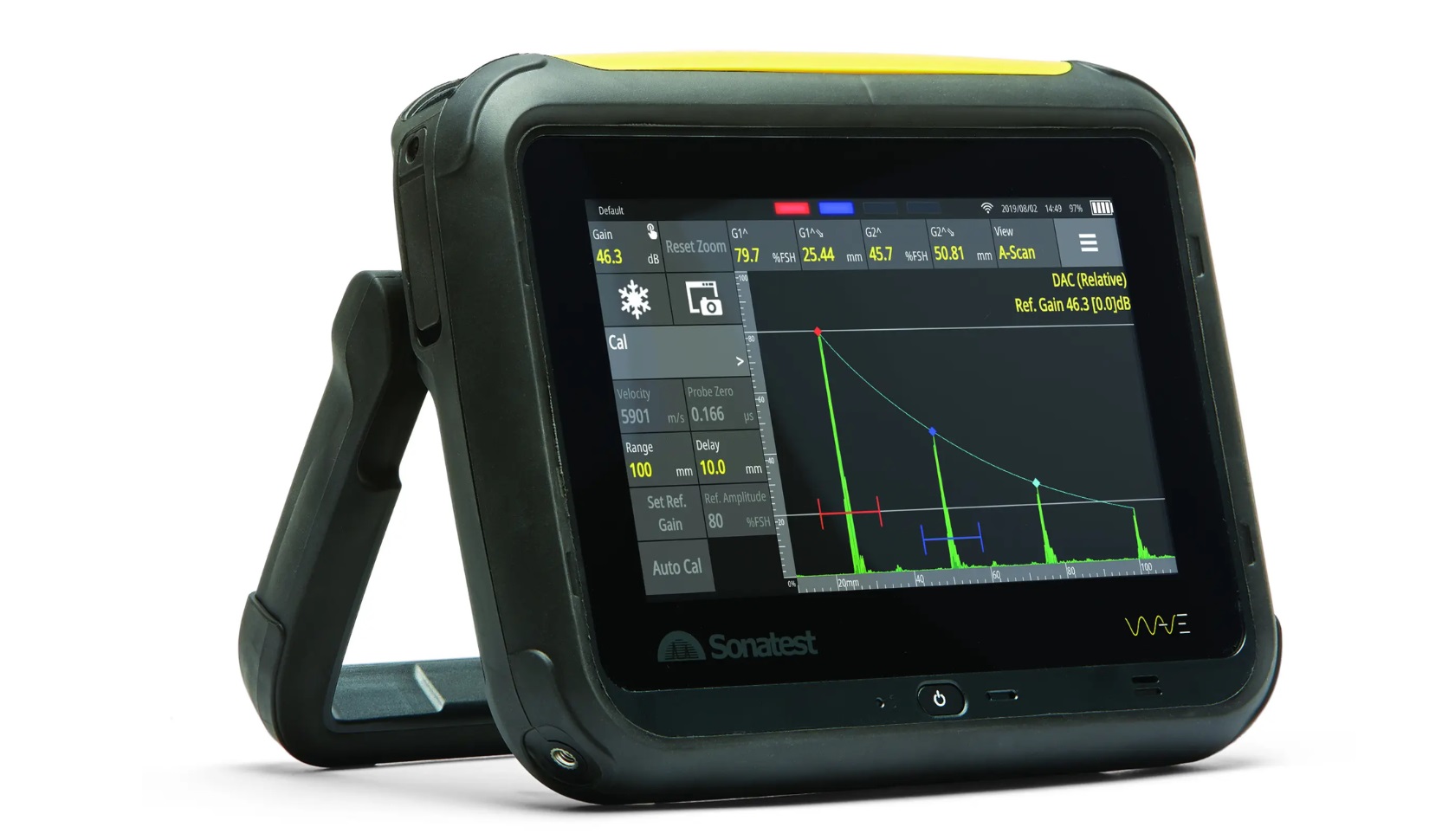
Sonatest WAVE Ultrasonic Flaw Detector
Sale ✓
What if you could tailor the settings on your UT device and alter it to your own
process and people’s needs? An instrument where all the useful parameters are
pre-set and available in less than two clicks? Now you can.
Introducing WAVE by Sonatest. It integrates the latest technologies available in order
to create a revolution in the ultrasonic non-destructive testing equipment market.
Not only is it innovative, but the customisable interface also optimises the daily
workflow, and a unique and embedded interactive scan plan, with ray-tracing
capability, simulation tools and CAD import capability, consolidates your results.
Its wifi capability allows you to access it anywhere in the field, eases data transfer,
application installation and manages calibration date and software version.
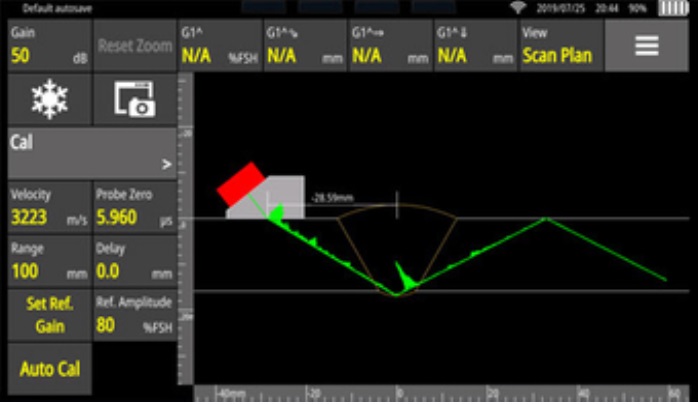
Interactive Scan Plan
The WAVE interactive scan plan has been developed to ease diagnostics on the inspected part. The scan plan can reproduce complex geometries such a Curved parts and T-joints. Combined with a real-time Raytracer, this unique feature facilitates the distinction between a real flaw and a geometrical indication. Thus avoiding unnecessary repair.
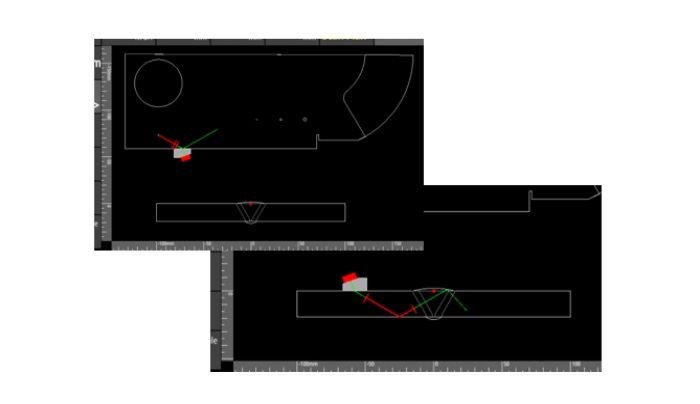
Import Custom Parts
The WAVE can import a custom part in the interactive scan plan. This feature enables the user to visualise sound propagation in complex geometries. All the benefit of the Interactive Scan Plan remains with the addition of removing the limitations that come with predefine parts.
UTouch Technology
UTouch Technology allows your device to operate in the same way as a mobile phone. Combined with rugged components and an intelligent algorithm which makes the distinction between couplant and finger.
Intuitive WAVE Companion Software
The WAVE Companion is a software that is included with the WAVE.
It enables users to manage WAVE’S applications, data and can be
used to import custom geometries. The communication between
the computer and the WAVE is only performed by connecting both
to the same network. Users can also customize an application’s
interface by hiding, locking, and moving the tiles (menus) of the
WAVE to simplify inspection workflow and mitigate errors.